 Foul Light 界外之光
Foul Light 界外之光
Foul Light 界外之光
2.5D baseball
Aim the pitch, time the swing, choose which base to throw to, decide whether the runner goes or holds. No button that just shows you the result: every decision is yours.


Ten pitches, one swing each. Time it right and send it into the stands.
Learn more →
Batting, pitching, fielding and baserunning, all by hand.
Learn more →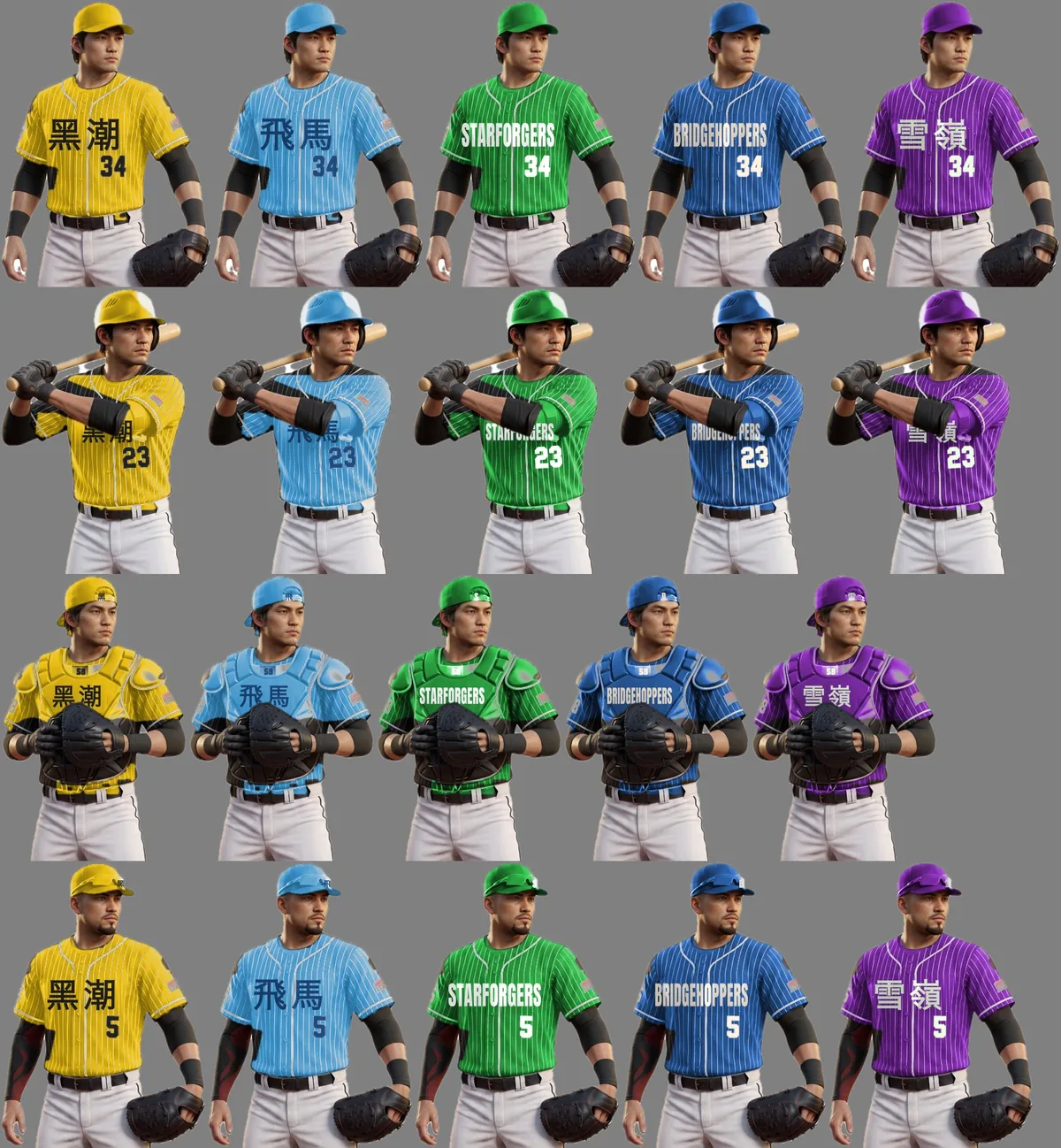
Every club has its own colours, name and kit, and every player is different. Set your batting order, your starting nine and your pitchers.
Learn more →
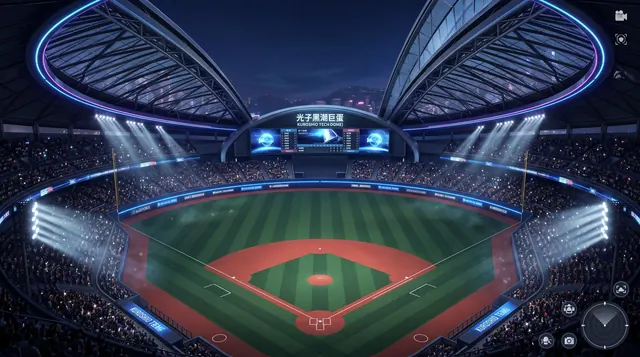
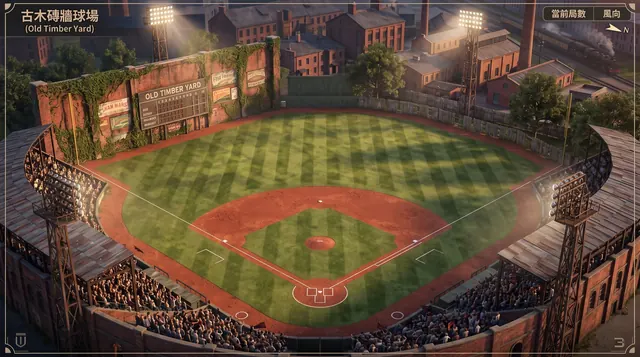
Wind, humidity, walls and altitude all change the game. In one the ball carries far, in another the wall bounces wildly, in another right field is the ocean.
Learn more →
Every game earns points, and you climb from Rookie to Hall-of-Fame Legend.
Learn more →There are no ads and no in-app purchases. The shop is paid in points you earn by playing; no real money is involved.
Yes. The game is single-player; your records and progress are kept on your phone. At launch it asks our server once whether a required update exists; if there is no answer within three seconds it simply starts.
No. On the first screen tap "Continue as Guest" (以訪客身分開始) to use everything. You can also sign in with Apple to tie a profile to your Apple ID.
On the home screen tap the account button at the top right (your nickname), choose "Delete account and data" (刪除帳號與資料) and confirm with "Delete" (刪除). The account and the progress kept on the phone are both removed. Guests too.